Accounting Software Migration: Is It Time to Switch?
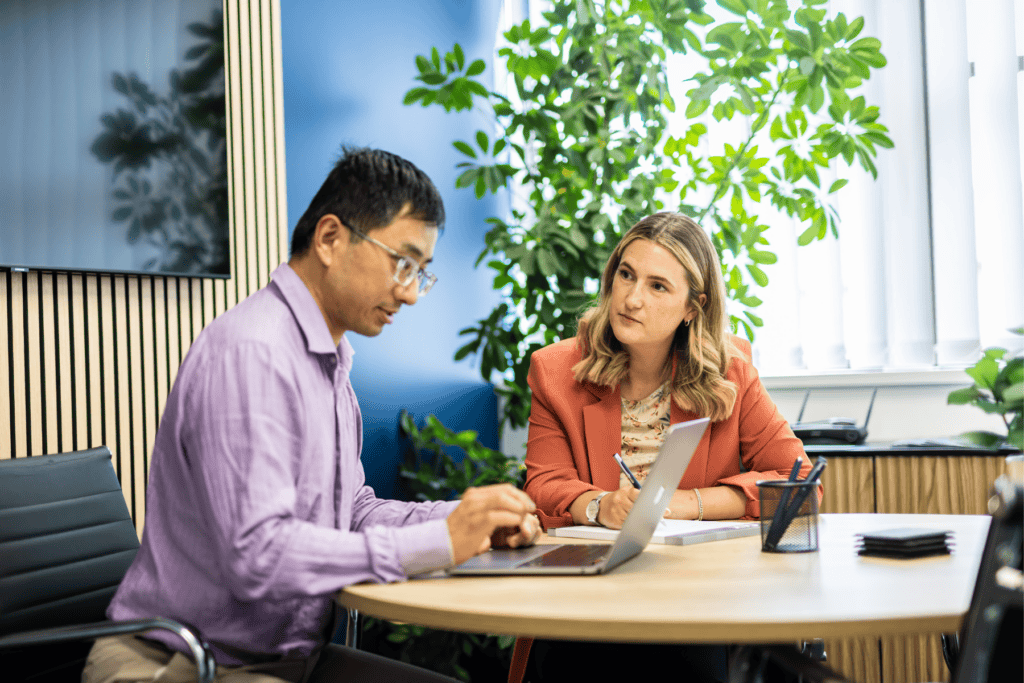
Are you happy with your current accounting platform? It might seem like a simple question, but many businesses continue to use the same accounting software for years without considering whether it is still the best fit.
Perhaps it was the system you chose when you first started the business. Maybe it worked perfectly well when you were a small business, but now your business has grown and your requirements have changed. Or perhaps you’ve simply become used to working around its limitations.
Your accounting software should make managing your finances easier, not harder.
At GLX, one of the first things we do when working with a new client is review their accounting system to make sure it is efficient, appropriate and capable of supporting the business both now and as it grows.
And if it isn’t? An accounting software migration might be worth considering.
Why might you need to change your accounting software?
Businesses evolve: you might employ more people, process more transactions, introduce new services, need better management information or start using other systems that you want your accounting software to integrate with.
A platform that was perfectly suitable several years ago may no longer give you the information or functionality you need.
However, we understand why businesses put off switching. The thought of moving years of financial information from one system to another can feel daunting. What happens to your historic records? Will everything transfer correctly? When should you make the change? And, perhaps most importantly, will it disrupt the day-to-day running of the business?
That’s where we can help.
How does accounting software migration work?
We can help you identify the accounting platform that suits your business the best and manage the migration process for you.
Depending on your requirements, we can transfer as much historic accounting data as you need and reconcile the new system against your existing records to make sure everything has moved across correctly.
We’ll also help plan the migration and discuss the best time to make the switch, helping to minimise disruption to your business.
What should you consider when choosing accounting software?
1. Ease of use
Good accounting software should make everyday financial tasks straightforward.
Is the system easy to navigate? Is information displayed clearly? If you complete your bookkeeping in-house, can your team process transactions and reconcile accounts without unnecessary complexity?
You should also consider how easily you can manage routine requirements such as VAT and CIS returns.
The best system should be the one your team can use effectively, not necessarily the one with the most features.
2. Security and reliability
How is your accounting data protected?
With traditional desktop-based software, businesses may need to think about hardware failure, backups, software updates and installing new versions.
Cloud accounting software can remove much of this burden, with data stored securely online and software updates generally managed by the provider.
However, you should still consider user permissions, access controls and the security practices you have in place within the business.
3. Cost
Are you getting value from your current accounting software?
You could be paying for functionality you rarely use or maintaining hardware simply because your accounting application requires it.
On the other hand, choosing software based purely on the lowest monthly subscription isn’t necessarily the answer either.
The overall value the platform provides should be considered, including the time it could save your team through automation and more efficient processes.
4. Connectivity and integrations
Modern cloud accounting software can often connect with other applications used within your business, which helps information flow between systems and reducing duplicate data entry.
Bank feeds are a good example, because instead of manually entering transactions from a bank statement, automated bank feeds can bring transaction information directly into your accounting platform.
Depending on your business, you may also benefit from integrations with payment systems, expense management tools, reporting platforms or other third-party software.
5. Capturing invoices and supporting documents
How much time do you spend manually entering information from invoices and receipts?
Many modern accounting systems can store supporting documents alongside the relevant transaction, making it much easier to find the information later.
Optical Character Recognition (OCR) technology can also extract information from documents and help populate fields automatically, reducing manual data entry.
6. Bank reconciliations
Bank reconciliations are an important part of keeping accurate accounting records, but they shouldn’t be unnecessarily time-consuming.
Consider how easily your current platform allows you to match transactions and identify outstanding items.
Some systems also allow notes or comments to be added directly against transactions, giving you and your accountant useful context without needing to maintain separate spreadsheets or handwritten notes.
7. Reporting and management information
Accounting software shouldn’t simply tell you what happened last year.
The right system can help you understand what is happening in your business now.
Can you customise reports to show the information and statistics that matter to you? Can you compare different accounting periods side by side? Can you quickly access the figures you need to make business decisions?
Better access to timely financial information can help turn your accounting records into a useful management tool rather than simply a compliance requirement.
8. Access to historic information
How easy is it to look backwards?
You should be able to access previous accounting periods and run reports for the dates you need without digging through archived files or restoring old backups.
Easy access to historic information can also make it much simpler to analyse trends and compare business performance over time.
9. Accessibility
Finally, ask yourself a very simple question: Where can you access your accounts?
If the answer is “the computer the software is installed on”, your current setup may be limiting you.
Cloud accounting software allows everyone to work from the same up-to-date system. This gives authorised users the ability to access financial information online, making it easier for business owners, internal finance teams, bookkeepers and accountants to work from the same live information.
That means your bookkeeper doesn’t necessarily need to be sitting in your office to maintain your records, and you don’t have to send a backup of your accounts to your accountant at year end.
Moving accounting software doesn’t have to be difficult
The prospect of changing accounting platforms can feel like a much bigger project than sticking to what you know, but continuing with an inefficient system has a cost too.
Manual processes take time, poor integrations create duplicate work, limited reporting makes it harder to understand performance, and software that isn’t suited to your business can become increasingly frustrating as you grow.
At GLX, we’ll evaluate your requirements, look at the way your business operates and help identify the platform that works best for you. We can then help with the accounting software migration and implementation, as well as providing tailored training to help your team use the new system confidently.
We’ll also look beyond the software itself, helping you review your financial processes and internal processes so that you’re getting the most from the technology available to you.
Our support doesn’t stop once you’re up and running, either. We can continue to help with areas such as reporting, management information, and fractional services as your requirements evolve.
Thinking about switching accounting software?
If you’re regularly working around your accounting software rather than letting it work for you, it may be time to review your options.
Speak to the GLX team about your current accounting setup and we’ll help you work out whether there’s a better way to do things.
Frequently asked questions
What is accounting software migration?
Accounting software migration is the process of moving financial data from one accounting platform to another. This can include current balances, transactions, customer and supplier information and, depending on your requirements, historic accounting data.
Will I lose my historic accounting information when changing software?
Not necessarily. The amount of historic information transferred will depend on the systems involved and your requirements. At GLX, we can discuss how much historic data you want to migrate and reconcile the new system against your existing records.
When is the best time to change accounting software?
There isn’t one answer that suits every business. Your financial year end, VAT periods, workload and existing processes may all influence the best time to switch. Planning the migration carefully can help minimise disruption.
What are the benefits of cloud accounting software?
Cloud accounting software can provide easier remote access, automated bank feeds, integrations with other applications, document capture and improved collaboration between a business, its bookkeeper and accountant. The right features will depend on the individual needs of your business.
Can GLX train our team on new accounting software?
Yes. GLX provides tailored accounting and payroll software training, which can be delivered onsite or remotely. We can help your team understand the software and make effective use of the features relevant to their roles.